Table of contents
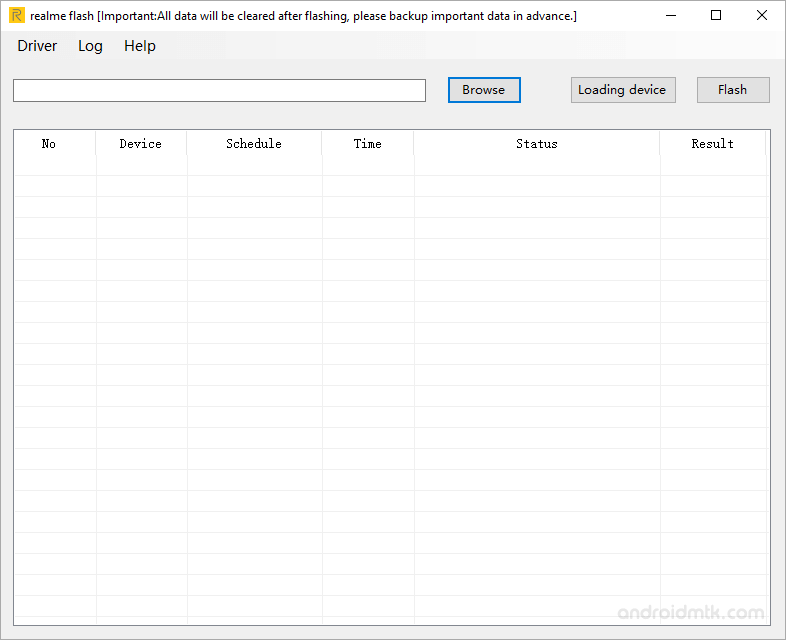
Features of Realme Flash Tool:
- Updating Firmware: Using this tool, customers can upgrade the firmware on their Realme devices to the most recent version.
- The utility also enables users to roll back to a previous firmware version.
- Unbricking: It can be used to fix bricked gadgets, which can happen as a result of software problems or improper firmware flashing.
- Software-related problems can be fixed with the help of this program, including boot looping, device not starting, and stuck logos.
- The interface that’s easy to use: The program includes an interface that’s simple to use even for non-technical users.
- Multiple Realme devices are supported by the tool, enabling users to flash the firmware on various models using the same program.
- Advanced debugging and troubleshooting are made possible by the tool’s integration with the Android Debug Bridge (ADB).
- Windows compatibility: Since the program is compatible with Windows operating systems, a variety of users can utilize it.
Download Realme Flash Tool (All Versions)
| Tool Name | Size | Link |
|---|---|---|
| Realme_Flash_Tool_v1.0.0.4 | 12.5 MB | Download Flash Tool |
Conclusion:
In conclusion, Realme developed the Realme Flash Tool, a potent software program for upgrading, downgrading, and fixing software issues on Android devices. The application supports a variety of Realme devices, has an intuitive user interface, and connects with ADB for sophisticated debugging. Despite being primarily targeted at experienced users, the tool is accessible to a wider audience thanks to its user-friendly design. To prevent breaking the device or nullifying the warranty, the tool should only be used on Realme devices. In general, Realme device owners who need to fix software issues, update their firmware, or roll back to a previous version will find the Realme Flash Tool to be a useful tool.
The post Realme Flash Tool Free Download Latest Version 2025 appeared first on AllMobileTools-Tutorials, Stock Firmware, Tools, USB Drivers.
]]>