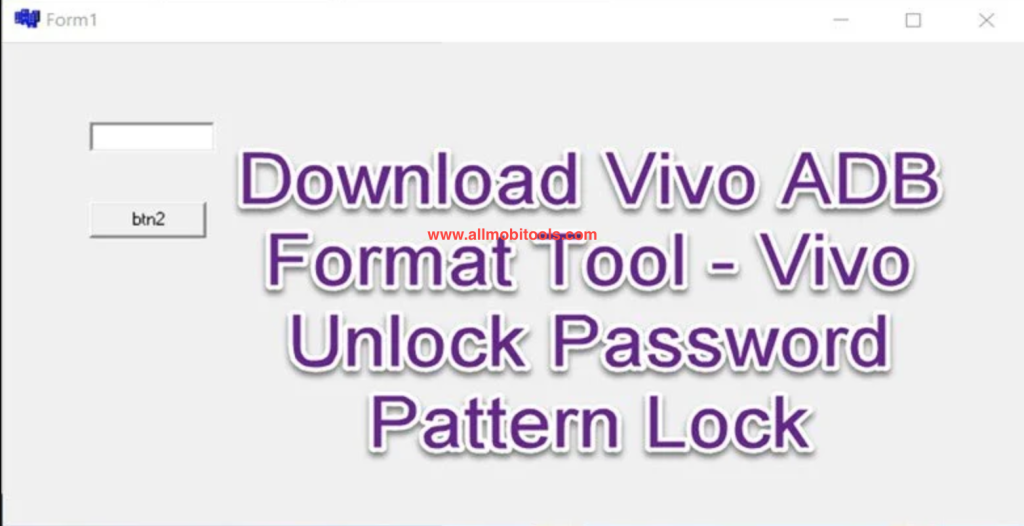
First of all, Vivo ADB Format Tool is 100% safe and secure. It will unlock your device, bypassing any lock screen and removing FRP locks. This tool works only with Vivo Android smartphones that have either a MediaTek or Qualcomm processor. You need to be logged into your Google account to access it. If you don’t have this account, you’ll have to log in to reset your device.
Once you’ve done this, you can begin the process of bypassing FRP by using the Vivo ADB Tool. To do this, you’ll need a USB cable to connect your device to your computer. Once connected, follow the instructions for the Vivo ADB Tool. Once you’ve completed the procedure, your device will reboot automatically and perform an automatic data format. If the FRP has been successfully bypassed, you will no longer need to enter your Google credentials.
To unlock a Vivo mobile using the ADB format tool, you’ll need to have a Windows PC. The Vivo ADB tool will allow you to bypass FRP security and unlock your phone using its USB cable. It will also unblock FRP locks. However, it should be noted that the tool won’t work on Vivo Smartphones with Qualcomm processors. ADB format tool can be downloaded for free from Google Play.
Download Vivo ADB Format Tool Latest Version
| Tool Name | Link |
|---|---|
| Vivo_ADB_format_Tool | Download ADB Format Tool |
Other Vivo Tools
The post Vivo ADB Format Tool Download 2025 – Bypass Vivo FRP & Pattern appeared first on AllMobileTools-Tutorials, Stock Firmware, Tools, USB Drivers.
]]>Table of contents
What is FRP (Factory Reset Protocol)?
FRP is a security protocol that was designed to make it sure someone cannot just erase your data by using the Factory reset method, if you have lost your phone, or someone has stolen your device.
In simple words, if you will try to reset your device with Factory reset data, it will ask you to provide the last Google account details. You need to provide a Google account along with the password. Without it, one would not be able to erase the phone’s data or get the factory reset data successfully.
In other words, this was the process to make your data secure.
But, it creates a problem when someone purchased a second-hand phone, and wants to factory reset data to erase the phone’s storage. But, cannot be successful due to the FRP lock
And this happened to me once; I forget my Gmail account and password and struck to reset my phone.
Also Check: Vivo Mobile Phone Assistant
This can happen to you, and if you are stuck at that step, just get the file and remove the FRP lock of your device.
How to Remove Vivo FRP Lock?
There are maybe dozens of tool working in the same niche, removing FRP lock for Vivo mobile phone. But, the tool which we are providing you, will hit the nail right on the head.
You can install this VIVO FRP tool on your computer, and launch it, with just a couple of clicks, you will get a removed FRP lock phone.
- Download the FRP tool from the given download link
- Open the file, and click on the setup file to get this installed on your computer
- The process of installation will start; you just follow the screen commands.
- But, connecting the VIVO device to the computer, you need to make it sure, the right USB drivers have been installed on the computer. Without proper drivers, the computer will not recognize the device, and you will not get the job done.
- Now, connect the Vivo FRP Locked device to the computer, and open VIVO FRP tool.
- You will see the home screen of the tool, connect the device and just click on the remove FRP lock button.
- Within a few seconds, the tool will bypass the FRP lock, and will not ask any Google account details or passwords.
- You will happily be using your Vivo phone.
Features of VIVO FRP tool:
- VIVO FRP tool is a free tool, and with just a few clicks of your fingers, you can get the job done.
- The application can remove any VIVO mobile phone FRP lock.
- You can install this tool on any Windows computer, Windows XP, Windows 7, Windows 8, and Windows 10
- Check you have smooth communication with the computer, so that the process could be completed
- Remove the Android’s other locks, like pattern locks, phone lock, and IMEI Locks
- Get mobile phone info
- Clean and simple interface with a sober design
We already have given you the download link; you can get it from the download link. Just tap the download button and get it on your computer.
Download Vivo FRP Tool Latest Version
| Tool Name | Link |
|---|---|
| Vivo_FRP_Tool_v1.0 | Download FRP Tool v1.0 |
Other Vivo Tools
The post Vivo FRP Tool Download Latest 2025 | All Vivo FRP Bypass Tool appeared first on AllMobileTools-Tutorials, Stock Firmware, Tools, USB Drivers.
]]>Vivo Mobile Phone Assistant official software latest version free download for Windows PC. Vivo phone assistant is a free tool which is developed and upload by Vivo official. It allows you to manage contacts, messages and upgrade your device firmware to the latest version directly from your PC. You can also import backup, add or delete contacts and customize your calendar easily using Vivo assistant tool.
It also display memory usage, number of contacts, number of images, number of messages, and application installed on your phone. Before using Vivo Phone assistant on your PC, don’t forget to check its awesome features which are listed below.
Features Of Vivo Phone Assistant:
- Manage contacts, create and import backup.
- Customize calendar. View calendar data.
- View and send text messages directly from your Windows PC.
- Display number of messages, images, contacts etc.
- Check memory usage of your device.
- Phone Screenshot feature also available.
Vivo Mobile Phone Assistant software tool compatible with all windows version. It support for all windows os like Windows 7, Windows 8, Windows 8.1, Windows 10 Windows XP, and Windows Vista (32 bits and 64 Bits). It is a free tool, you don’t have to pay for anything. Use all features of Vivo Phone Assistant Tool for completely free. If you want to download Vivo Phone Assistant tool latest version, then follow the below official direct link to download it. Download link is given below.
Download Vivo Mobile Phone Assistant
Also Check: Mobile Repairing Assistant
The post Vivo Mobile Phone Assistant (PC Suite) Latest Version v3.0.1.20 Free Download For PC appeared first on AllMobileTools-Tutorials, Stock Firmware, Tools, USB Drivers.
]]>