Table of contents
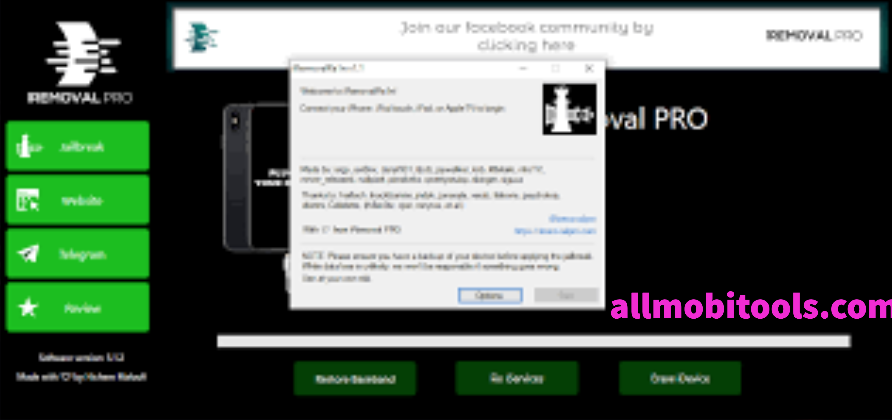
iRemoval PRO v5.6 is a Windows Tool for bypassing Apple’s iCloud activation lock. It is compatible with iOS 12.3 and 14.8 and includes full installation and support documentation. It can unlock your iPhone without a passcode. iRemoval PRO uses Windows Management Instrumentation (WMI) to remove the lock screen and restore it to factory settings. This allows you to easily uninstall large amounts of software.
iRemoval Pro Features List
- Untethered iCloud Bypass with full Signal
- Activate AppStore & Notifications,
- Carrier Unlock
- Supported Platform: Windows 10, Windows 8, Windows 8.1, Windows 7.
- Jailbreak your iDevice Before Bypassing.
- Gsm bypass with SIM & signal,
- MDM bypass,
- Fix broken baseband.
- Bypass GSM with 1 click
- Remove activation lock support all models.
- MEID no signal-free with all functions.
- Backup Data
- Free MEID Bypass
- FREE Al Service
- IOS14.7 on 8 and 8 plus and X
- ios 14.6 on 7 and 7 plus
- Full Working Facetime and iMessage
- Battery Drain And device have been hot Fixed
- disabled updates
- backing accounts fix
- ICCID Restore
- iPhone 5- 5C Manual Unlocking
- Latest iOS 15 (Beta3) Supported
- GSM No MEID: 9
Download iRemoval Pro Latest Version
| iRemoval Pro v7.2 _ Latest | Download iRemoval ZIP | Mirror |
How to Use iRemoval Pro Tool?
- First Download Checkra1x IOS File & Baleno Make Bootable Pendrive
- Jailbreak You iPhone 6 to X
- Initial Setup Your Own PC
- Download iREMOVAL PRO iCloud Bypass Tool V5 and install it.
- Then Install iTunes
- Then you have to connect your Jailbreaked iPhone and connect it to pc
- Register Your Own Serial NO, copy the HWID
- Open the Register link and paste the HWID to FB
- Wait for 15 to 1- hour time to get the code
- Copy the HWID
- Paste it to the tool.
- Select GSM Bypass FULL Services & Start Bypass.
- That’s it.
Other iOS Tools
The post iRemoval Pro Tool v7.2 Download Free 2025 [iRa1n v4.6] All iCloud ByPass appeared first on AllMobileTools-Tutorials, Stock Firmware, Tools, USB Drivers.
]]>Table of Contents
What is iKey Prime?
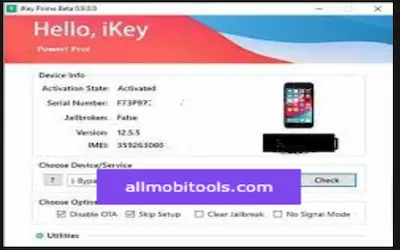
iKey Prime is a remote unlocking service for iOS devices like iPhone, iPad, and iPod. The tool will help you to bypass the iCloud activation lock from your iOS device easily and quickly. You can unlock your iOS device with just one click with the help of this tool.
How to use iKey Prime Tool?
- Install the tool on your Windows PC.
- Jailbreak your device (if required by the service)
- Buy a license according to your needs.
- Once purchased click on the start button to complete the service.
Release Notes:
- Full compatibility with every minor version of iOS12-iOS16.
- Fixed issues with iPad/iPhone (iOS15.7.8-16.6).
- Added Turkish language support.
More iOS Tools
Conclusion
In summary, thе iKеy Primе iCloud Bypass Tool is a rеliablе and usеr-friеndly solution for unlocking iCloud-lockеd dеvicеs. Its еffеctivеnеss, vеrsatility, and commitmеnt to usеr privacy make it a standout choice. If you are facing iCloud lock issues, iKеy Primе is thе kеy to rеgaining control of your Applе dеvicе and data, all whilе еnsuring your sеcurity. Unlock your dеvicе’s potential with iKеy Primе today!
The post iKey Prime Tools v2.4 Free Download Latest Version 2025 appeared first on AllMobileTools-Tutorials, Stock Firmware, Tools, USB Drivers.
]]>Table of contents
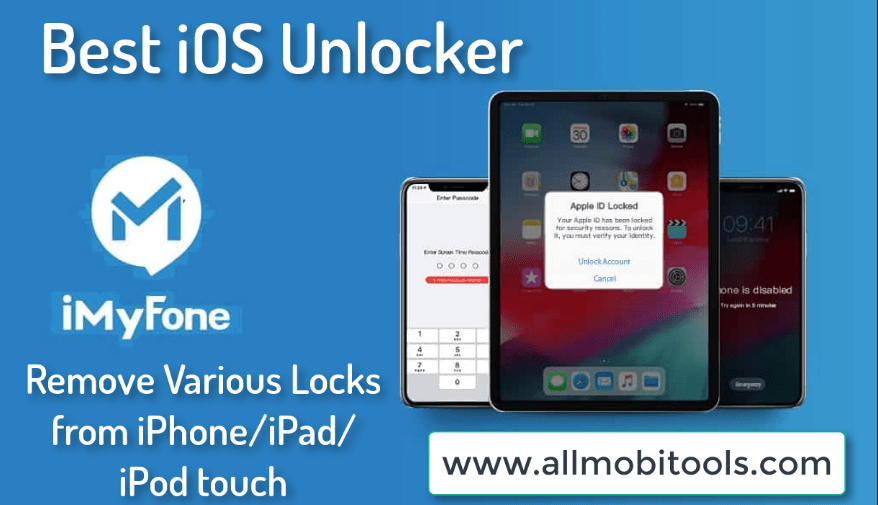
There are various iPhone unlocking software’s on the web, but today I will introduce a new one (iMyfone) that is very simple user-friendly, and easy to access. If you want to get full control of your iPhone then iMyFone Lockwiper has the functions to give you full control of your Apple devices. Once you are installing the software on your system then you will be able to do anything with the device. What’s more, you can change the existing ID with a new one, unlock the forgotten passcodes, upgrade the version of iOS without any loss. Even can remove security passwords from old iPhone models, second hand iPhone, or locked iPhone for any reason. All the solutions of iOS devices unlocking in one place should be called iMyFone Lockwiper Official.
Key Features of iMyFone
Following are the standardized features of iMyFone you may check before going to download and use.
- Unlock: the utility has cool features to unlock an Apple ID or iCloud account without the need for a Password.
- Remove Passcode: iMyfone allows you to remove passcodes from locked iPhone, Disabled iPhone, and Broken Screen iPhone.
- MDM Bypass: With this feature, no username, and password required just one click to bypass MDM (Mobile Device Management) restriction.
- Bypass Screen: Also it has the feature to bypass screen time passcode or recover restrictions passcode from any iOS.
- Usability: It’s 100% free, safe, and ultra-fast.
- Compatibility: iMyfone is compatible with Windows & Mac OS.
Unlock or Remove Security Codes From iOS in Any Situation:
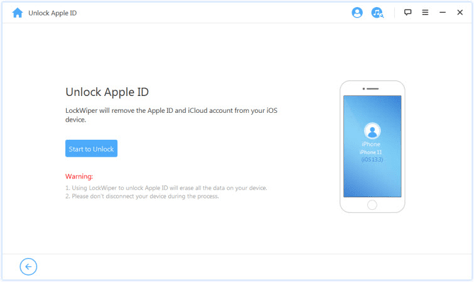
Removing the passcodes is not very easy from iPhone or other Apple devices, but technology has become grow up day by day, and everything is possible in the current world situation. The developers of Lockwiper think about iPhone user issues and problems how to do unlock while forgetting their passcodes or get phone locked with any scenarios. No worry the solution is here, iMyFone unlock iPhone passcode software gives you full access by removing the locked passcodes from iOS devices. Below are the several reasons that the phone is unfortunately locked.
Forgotten Password, Disabled iPhone, Many times attempts incorrect password, Do not accept Face ID, Old iPhone set, Broken iPhone Screen, Second Hand iPhone, Touch ID would not be accepted, and many more reasons. Try official iMyfone to unlock the iPhone device from any scenarios.
System Requirements for iMyFone
- Windows: XP, Vista, 7, 8, 8.1, and Windows 10.
- MAC: OS X 10.9, OS X 10.15, and Later.
- Processor/CPU: Minimum 1 GHz+ for Windows and 1 GHz+ for Mac.
- RAM: A Minimum of 256 MB of RAM for Windows and 512 MB of RAM is required for MAC. 1 GB for better performance.
- Hard Disk: Free 500+ space required in the hard disk drive to download & install the software.
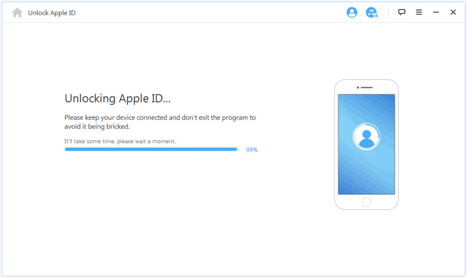
Download iMyfone Lockwiper Free for Windows & Mac
If you want to direct download iMyfone Lockwiper latest 2025 standalone installer setup for Windows and Mac OS then simply visit the official webpage iMyfone. You can download iMyfone from our website server by just follow the link below. iMyfone gives you both a free version and paid version, now it’s up to you which one you preferred to choose. Initially choose the free trial version and then buy it to enjoy the premium unlocking feature on your system.
Unlock Your iOS Device in Three Steps
iMyfone unlocker becomes more popular around the world by its three easy simple steps to unlock iPhone locks. 1. select and unlocking mode from four options, 2. Connect your mobile device with PC via USB data cable, 3. click on Remove lock to successfully unlocked passcodes.
Why People Preferred to Choose iMyfone LockWiper?
iMyfone is one of the brilliant iOS device unlock tools that has complete functions to unlock Apple ID, Screen Passcode unlock, MDM lock, and Screen time passcode. With its cool features, people of the world preferred to choose these three easy steps to unlock software. Anyone can do unlock the codes of iPhone, iPad, or iPod devices permanently. No worry unlock the devices by sitting anywhere on the earth. I recommend it for every Apple user must download and install it on your windows or mac to do effective unlocking when your device gets locked.
Is iMyFone Safe from Viruses?
iMyfone software is totally free, safe, and 100% secure from viruses, malware, and other threats. Feel free to use this iOS passcode unlocker tool on your Windows and Mac computer.
Is iMyFone unlock iCloud Activation Lock?
The answer is NO! Lockwiper has only unlocked the activated devices and doesn’t support unlocking the activation lock. So, do not try unlocking the activation locks with iMyfone.
Can We Use iMyFone LockWiper on Android?
YES! you can use iMyfone apk on your android devices and tablet device to bypass or remove FRP locks and it will give you the ability to use different google account. The Lockwiper android app is compatible with all Android versions including 9.0 latest.
How Install iMyFone Lockwiper on Windows?
- Download iMyfone LockWiper latest setup installer from an official webpage or here.
- Double click to run the installer file on your pc.
- Follow on-screen steps one by one.
- And click on the install button to start the installation.
- Wait for installation until the end.
- Then click on the Finish button to close the tab.
- Now, the iMyFone Lockwiper is your running windows or mac app.
How to Un-Install the LockWiper from Windows?
- Scroll down and click on the start button or Windows option.
- Select-control panel and clicks on programs and features.
- You will see all your installed Windows apps on the screen.
- Choose iMyFone and click on uninstall or remove option.
- After a few moments software successfully removes from Windows.
The post Download iMyFone LockWiper – Remove Various Locks from iPhone/iPad/iPod touch appeared first on AllMobileTools-Tutorials, Stock Firmware, Tools, USB Drivers.
]]>